


The Benefits of Using Find a Room
When a last-minute call comes in, your priority is to answer that call in an appropriate environment — without disturbing other office members or the person on your call.
To do this, you usually need to get into a meeting room ASAP, which is how overlaps occur.
Here’s how Find a Room has been built to avoid those awkward overlaps and interactions:
It’s Built Where You Communicate
You’re already using Slack in your every day communication — and hopefully you’re using Officely too.
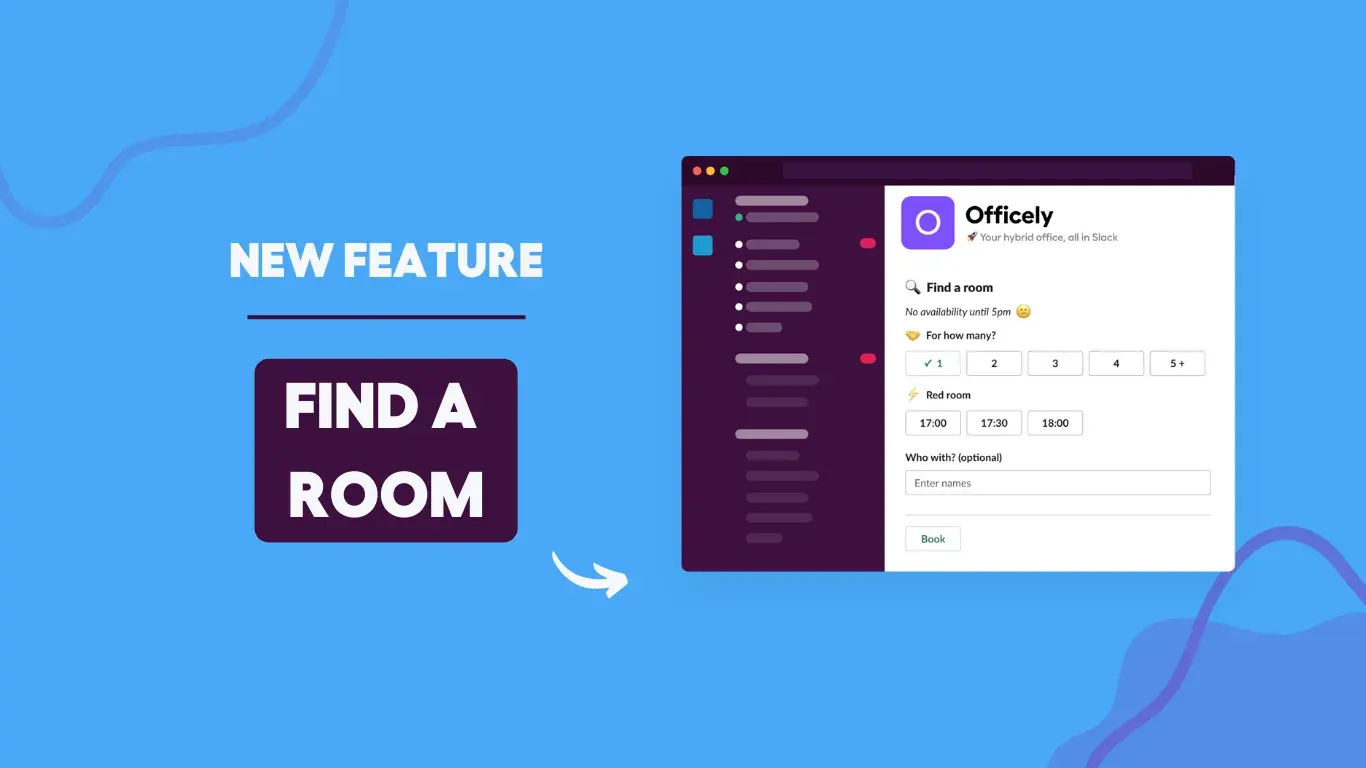
You don’t need to jump between apps and tools to search for and book a room. You can head straight to the Officely app within Slack and book your room out for however long you need, seconds before the call comes in.
It’s Integrated With Your Google Calendar
Many Office Managers already use Google Meeting Rooms as a way of booking rooms within the office. With this resource already set up and ready to go, we found its main problem to be the ease-of-use when needing to book a room last minute.
By integrating with your Google Calendar, Officely uses the information to map out your existing meeting rooms and their availability. The meeting rooms displayed on Find a Room contains bookings from both Google Calendar and Find a Room, so there’s no messy overlap when you want to take a call.
💡If you don’t currently use Google Meeting Rooms, it’s quick and easy to get started.
It Prevents Meeting Room Overlap
At its core, this is why we built Find a Room. We wanted a meeting room system in place that was so simple and easy, employees have no excuse not to book into their meeting room in advance.
While Google Calendar has recurring and advanced meetings covered, Officely Find a Room is built for those last minute calls. Availability (and lack of) is displayed even if your team used GCal to book out the room three months in advance.
If it’s in your Google Calendar, it will be in Officely, and that’s what allows your employees to rest assured when they dash into a meeting room that it really is available.


