A 6-Step Tools Introduction for Hybrid Teams
6 Steps to Successfully Introduce Your Hybrid Team to a New Tool
As the person researching and implementing a new tool, it’s easy to prioritize finding the right one over encouraging the team to use it.
Use these steps to cover both, and include your team from the beginning to increase the chances of success.
1. Request Recommendations From Your Team
It’s unsurprising that employees want to have input in the decisions that impact them.
However, having employee input is not only valuable to them – requesting recommendations from your team also provides you with insights into their needs and preferences.
As a decision-maker, what you want and expect from a tool may not always be what’s right for your team, so finding out what is and isn’t essential for them is an important part of the research process.
Speak to people both in the office and working remotely.We previously discussed the very real issue of proximity bias, and prioritizing the opinions of those in the office is a perfect example of what not to do.
Involving your team near and far is a great way to foster a sense of collaboration and ownership. This will also lead to greater adoption and enthusiasm when the tool is later rolled out.

2. Find a Tool that’s Simple to Use
Ideally, you’re introducing a tool that’s going to make people’s lives easier.
However, as a hybrid team, the chances are you’re already even more reliant on apps and tools for everyday processes.
If this is the case, it’s even more important to ensure any new tools are quick to pick up.
You should try to prioritize simple, effective tools over extensive tools that offer solutions you simply don’t need – and luckily, you won’t be short of options.
The chances are there are extensions and integrations that can easily be added to your current catalog with minimal effort.
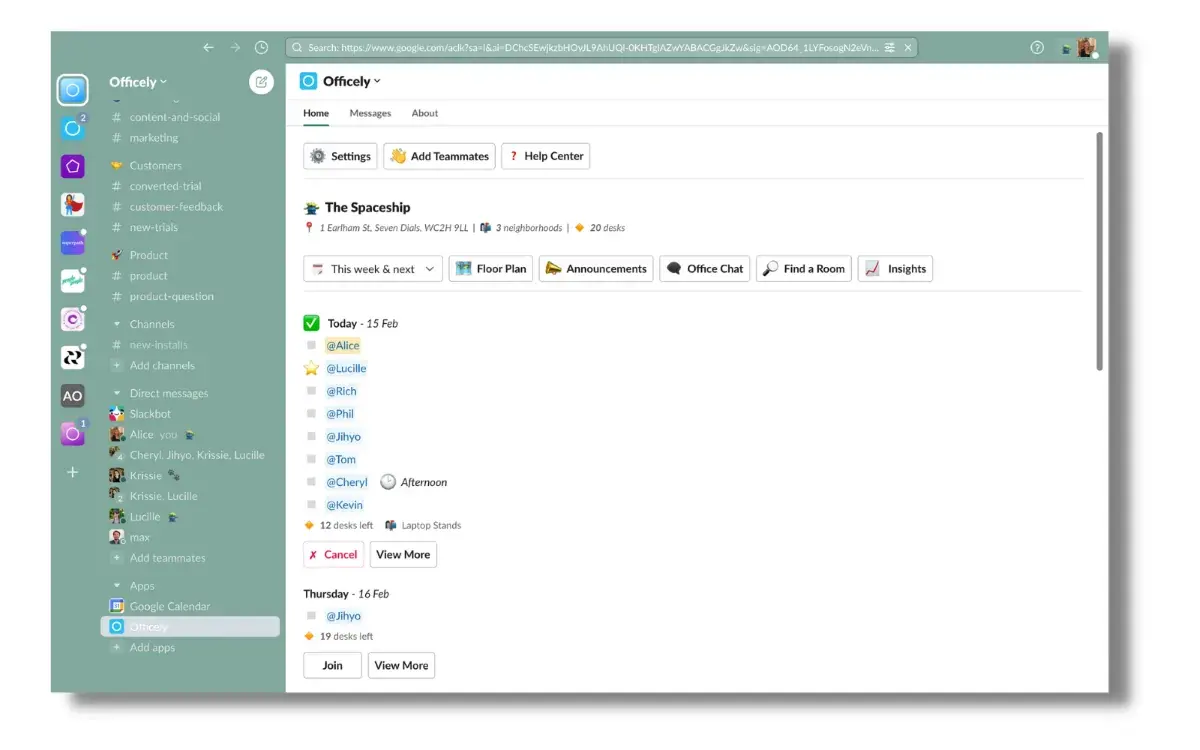
Slack has a directory full of apps that can be added to its platform, so your team isn’t learning a brand-new interface. Similarly, Chrome has extensions that can be added to your Google account and Microsoft Teams has its own apps that can be integrated too.
In short, don’t overcomplicate something that has an easy answer.